 ADVENT CALENDAR
FINISHED ON DAY TWO
Christmas · Template
Day Two
ADVENT CALENDAR over FINISHED ON DAY TWO is the annual lack of restraint.
Opens in the editor with both captions filled in. Free exports a 1080 px PNG and a GIF with a small FunnyHub credit; Pro unlocks 2160 px and no credit. Nothing is uploaded.
What this template actually looks like
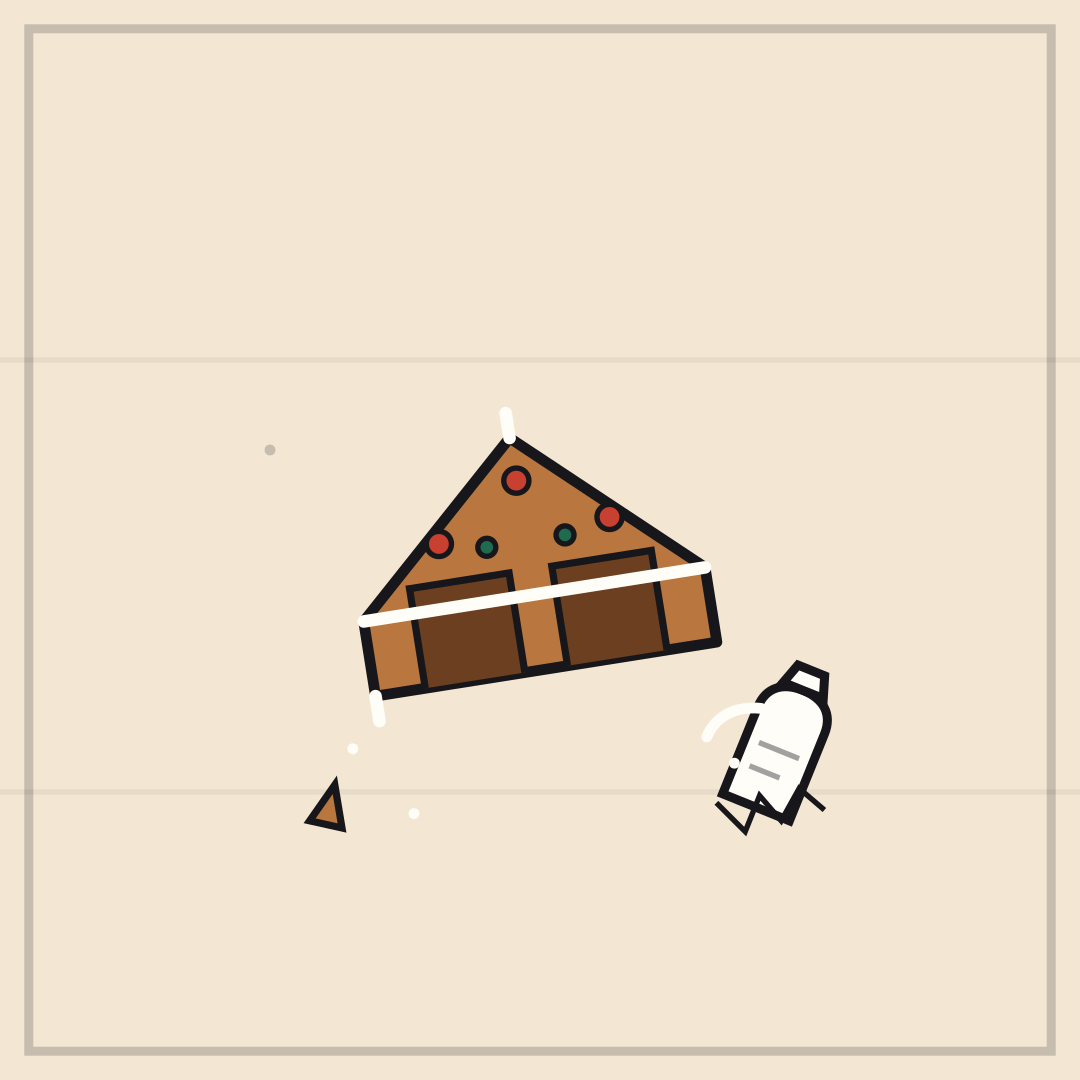
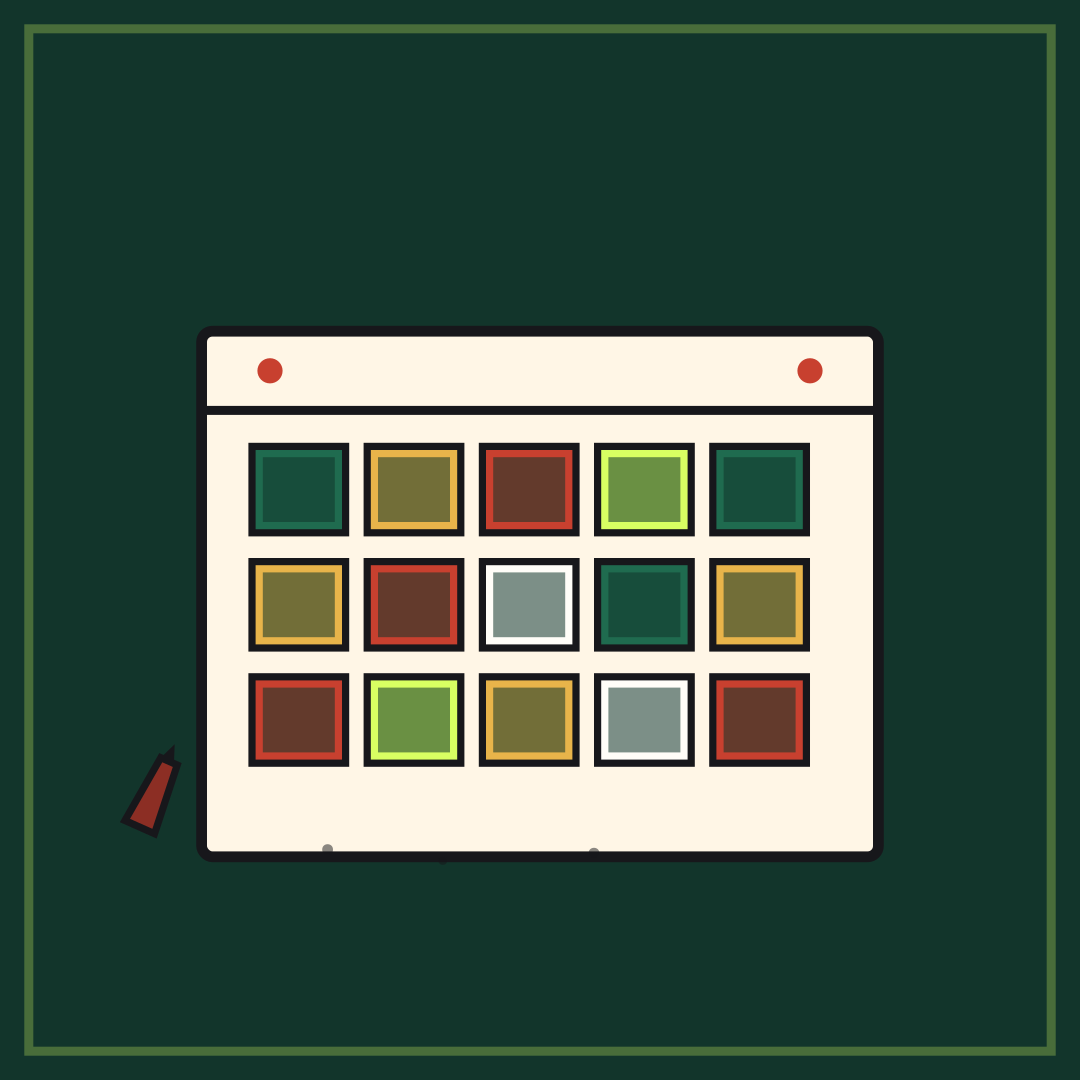
A deep green field with a cream advent calendar, twenty-four coloured doors all opened, and a few crumbs below.
Family chats, chocolate arguments, and the first week of December.
Use a day number for the top line and the consequence for the bottom. If you actually paced yourself, this is the rare template where “STILL ON SCHEDULE” is the funnier caption.
How to use it
- Load Day Two from the gallery.
- Keep the top line as the object.
- Set the bottom line to the day you actually finished it.
- Export a PNG, then buy a second calendar.
Five captions you can copy
ADVENT CALENDAR / FINISHED ON DAY TWOTWENTY FOUR DOORS / TWO DAYSIT IS A COUNTDOWN / NOT A CHALLENGECHOCOLATE FOR BREAKFAST / IT IS DECEMBERDAY THREE / NO CALENDAR LEFT
The template loads with “ADVENT CALENDAR” and “FINISHED ON DAY TWO” already placed. Both lines stay inside the safe area, and you can drag either one on the canvas. Need more lines? Browse the caption library.
Sizes and where to post it
Native 1080 × 1080 px; the calendar fills the square with room for captions.
Every export happens on your device: the editor draws the frame on a canvas, and neither the artwork nor your captions are uploaded. Free exports a 1080 × 1080 PNG and a 720 px GIF with a small corner credit; Pro exports 2160 × 2160 PNGs and GIFs without the credit.
Full per-platform numbers are in the meme size cheat sheet, and the GIF walkthrough covers motion, looping and file size.