 PHONE AT 1%
CHARGER: IN ANOTHER ROOM
Daily life · Template
Phone at 1%
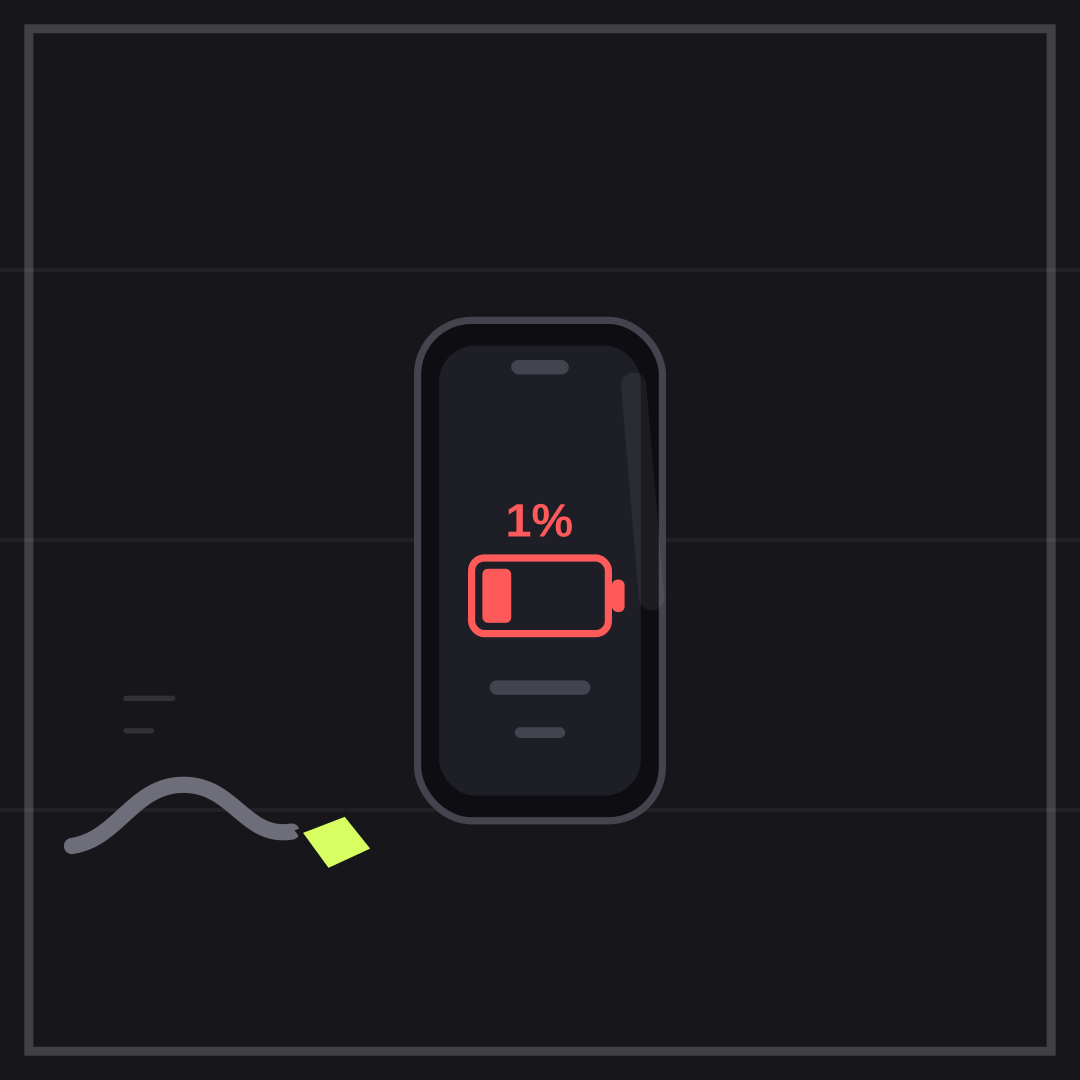
PHONE AT 1% over CHARGER: IN ANOTHER ROOM is the exact anxiety of the last bar. The cable on the floor makes the caption literal.
Opens in the editor with both captions filled in. Free exports a 1080 px PNG and a GIF with a small FunnyHub credit; Pro unlocks 2160 px and no credit. Nothing is uploaded.
What this template actually looks like
A charcoal field with a dark phone, a red battery outline holding a single bar, a red 1%, and a grey cable curling in from the left with a lime plug that does not reach. All vector, no brand hardware.
Group chats, travel days, and any plan that depends on one person’s phone.
Name the thing you are still doing at one percent: scrolling, texting, following a map. The bottom line works best as a location — another room, the car, the office. For a second version, make the charger “somewhere in this bag”.
How to use it
- Select Phone at 1% in the editor.
- Name what you are still doing in the top line.
- Make the bottom line the charger’s location.
- Export a PNG and send it before the phone dies.
Five captions you can copy
PHONE AT 1% / CHARGER: IN ANOTHER ROOMONE PERCENT LEFT / STILL SCROLLINGBATTERY PANIC / NO CABLE IN SIGHTSAVED THE PHONE / LOST THE PLAN
The template loads with “PHONE AT 1%” and “CHARGER: IN ANOTHER ROOM” already placed. Both lines stay inside the safe area, and you can drag either one on the canvas. Need more lines? Browse the caption library.
Sizes and where to post it
Native 1080 × 1080 px; the phone is vertical, so 4:5 and 9:16 crops keep the battery.
Every export happens on your device: the editor draws the frame on a canvas, and neither the artwork nor your captions are uploaded. Free exports a 1080 × 1080 PNG and a 720 px GIF with a small corner credit; Pro exports 2160 × 2160 PNGs and GIFs without the credit.
Full per-platform numbers are in the meme size cheat sheet, and the GIF walkthrough covers motion, looping and file size.