 NODDING ALONG
UNDERSTANDING NOTHING
Reactions · Template
Bean: Nodding Along
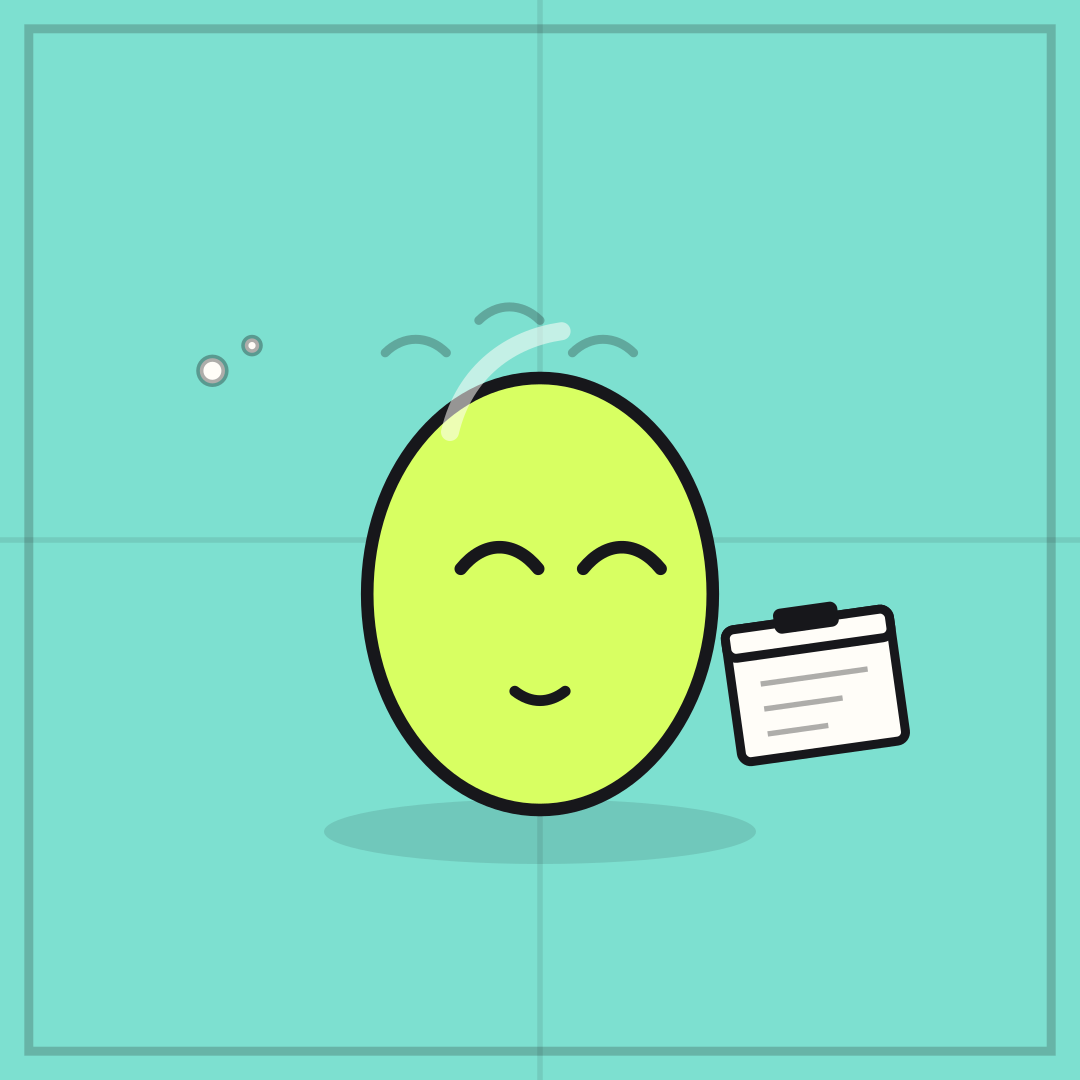
NODDING ALONG over UNDERSTANDING NOTHING is the meeting face everyone has made. Closed eyes sell the performance; the clipboard sells the context.
Opens in the editor with both captions filled in. Free exports a 1080 px PNG and a GIF with a small FunnyHub credit; Pro unlocks 2160 px and no credit. Nothing is uploaded.
What this template actually looks like
A mint field with the lime Bean capsule, closed smiling eyes, a small smile, three motion arcs over its head and a clipboard at its side. Bean is drawn from scratch and appears only in FunnyHub artwork.
Work chats, standups, and family explanations of anything technical.
This one is a reaction, so use it as a reply rather than an announcement. One line for what you are agreeing to, one line for what is happening in your head. The clipboard puts it in a meeting; if you use it outside work, nothing needs to change.
How to use it
- Load Bean: Nodding Along in the editor.
- Write what you are pretending to agree with in the top line.
- Write what is actually happening in the bottom line.
- Export a GIF for the nod, or a PNG for the reply.
Five captions you can copy
NODDING ALONG / UNDERSTANDING NOTHINGYES / ABSOLUTELY / NO IDEAMAKES SENSE / IT DOES NOTGREAT POINT / STILL LOST
The template loads with “NODDING ALONG” and “UNDERSTANDING NOTHING” already placed. Both lines stay inside the safe area, and you can drag either one on the canvas. Need more lines? Browse the caption library.
Sizes and where to post it
Native 1080 × 1080 px; full-body Bean stays readable at 200 px in a chat thumbnail.
Every export happens on your device: the editor draws the frame on a canvas, and neither the artwork nor your captions are uploaded. Free exports a 1080 × 1080 PNG and a 720 px GIF with a small corner credit; Pro exports 2160 × 2160 PNGs and GIFs without the credit.
Full per-platform numbers are in the meme size cheat sheet, and the GIF walkthrough covers motion, looping and file size.