 ME MAKING A SIMPLE PLAN
STEP 1: OVERTHINK EVERYTHING
Big brain · Template
The Planning Phase
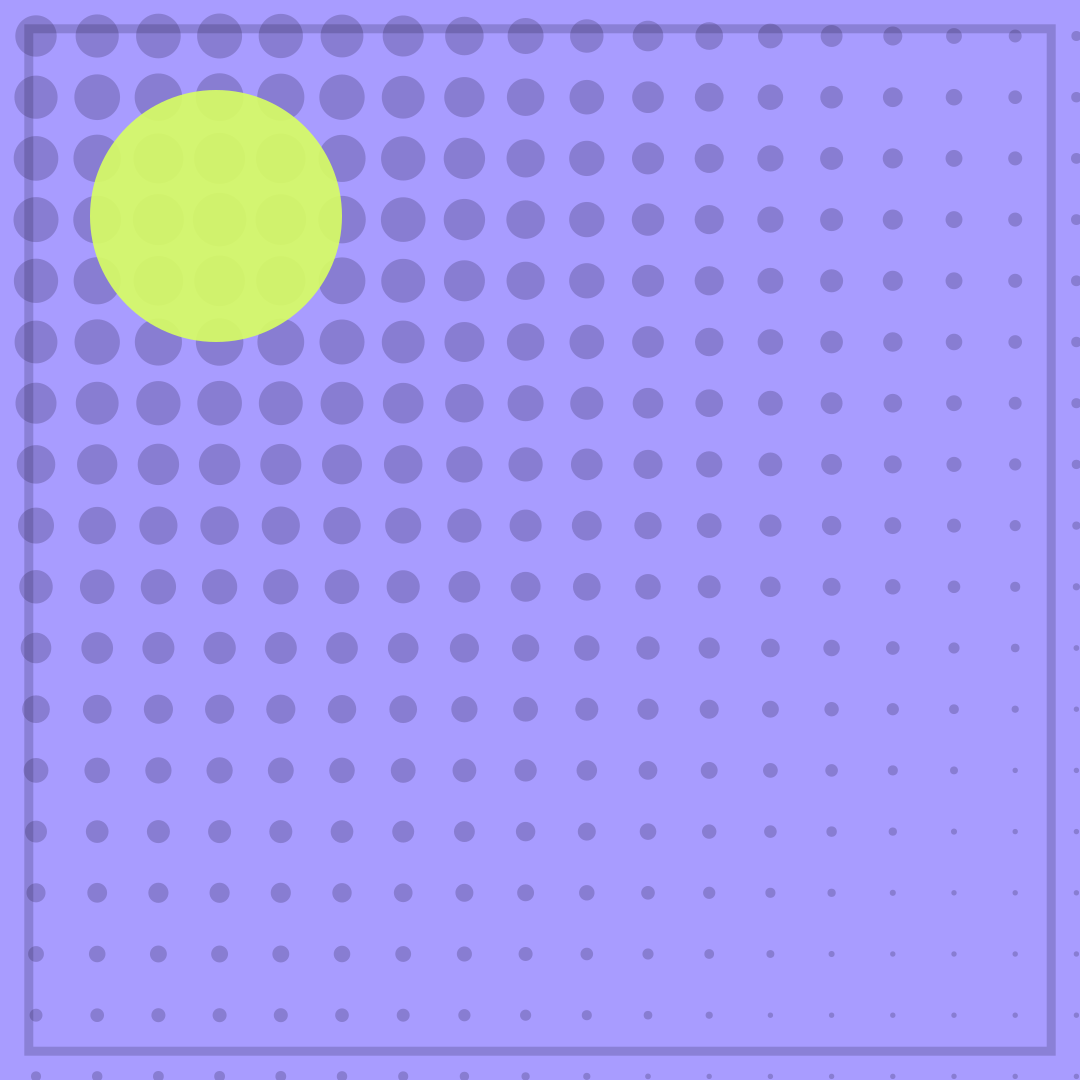
MAKING THE PLAN over DOING THE PLAN is a two-line summary of a very common week. The dots start dense and end sparse, so the poster visually performs the drop in follow-through. Adding a third idea is tempting, but the template only holds two lines and the joke is tighter without one.
Opens in the editor with both captions filled in. Free exports a 1080 px PNG and a GIF with a small FunnyHub credit; Pro unlocks 2160 px and no credit. Nothing is uploaded.
What this template actually looks like
A lavender-violet field (#A89CFF) is covered by a halftone grid in ink, heaviest at the top-left and tapering toward the bottom-right, with a lime disc near the upper left and a thin border. The colour is focused and slightly cold, and the shrinking dots suggest a plan that starts loud and fades before the first task is done.
Use it in a project channel when the board has twelve cards and zero progress, or in a group chat about a trip that has a spreadsheet but no bookings. It is safe for work and self-directed, which makes it easy to post in public.
Swap “THE PLAN” for the specific artefact — the roadmap, the spreadsheet, the colour-coded calendar — and it reads as a portrait of your team. The second line should name the first unnecessary step. Avoid stacking three nouns; the halftone already looks busy at small sizes.
How to use it
- Open The Planning Phase with the default captions.
- Describe the original simple plan in the top line.
- Make the bottom line the first unnecessary complication.
- Export a PNG before the plan grows another branch.
Five captions you can copy
MAKING THE PLAN / DOING THE PLANTHE ROADMAP IS BEAUTIFUL / THE WORK IS MISSINGPHASE 1: PLAN / PHASE 2: PLAN AGAINI MADE A LIST / I CALLED IT PROGRESSSTRATEGY: DONE / EXECUTION: PENDING
The template loads with “ME MAKING A SIMPLE PLAN” and “STEP 1: OVERTHINK EVERYTHING” already placed. Both lines stay inside the safe area, and you can drag either one on the canvas. Need more lines? Browse the caption library.
Sizes and where to post it
Native 1080 × 1080 px for Instagram and chat apps. For X, 1200 × 675 keeps the halftone fade visible; centre the captions. A 1600 × 900 export works as a light project banner.
Every export happens on your device: the editor draws the frame on a canvas, and neither the artwork nor your captions are uploaded. Free exports a 1080 × 1080 PNG and a 720 px GIF with a small corner credit; Pro exports 2160 × 2160 PNGs and GIFs without the credit.
Full per-platform numbers are in the meme size cheat sheet, and the GIF walkthrough covers motion, looping and file size.