 SOMEONE REPLIED ALL
TO 400 PEOPLE ABOUT LUNCH
Group chat · Template
Reply All
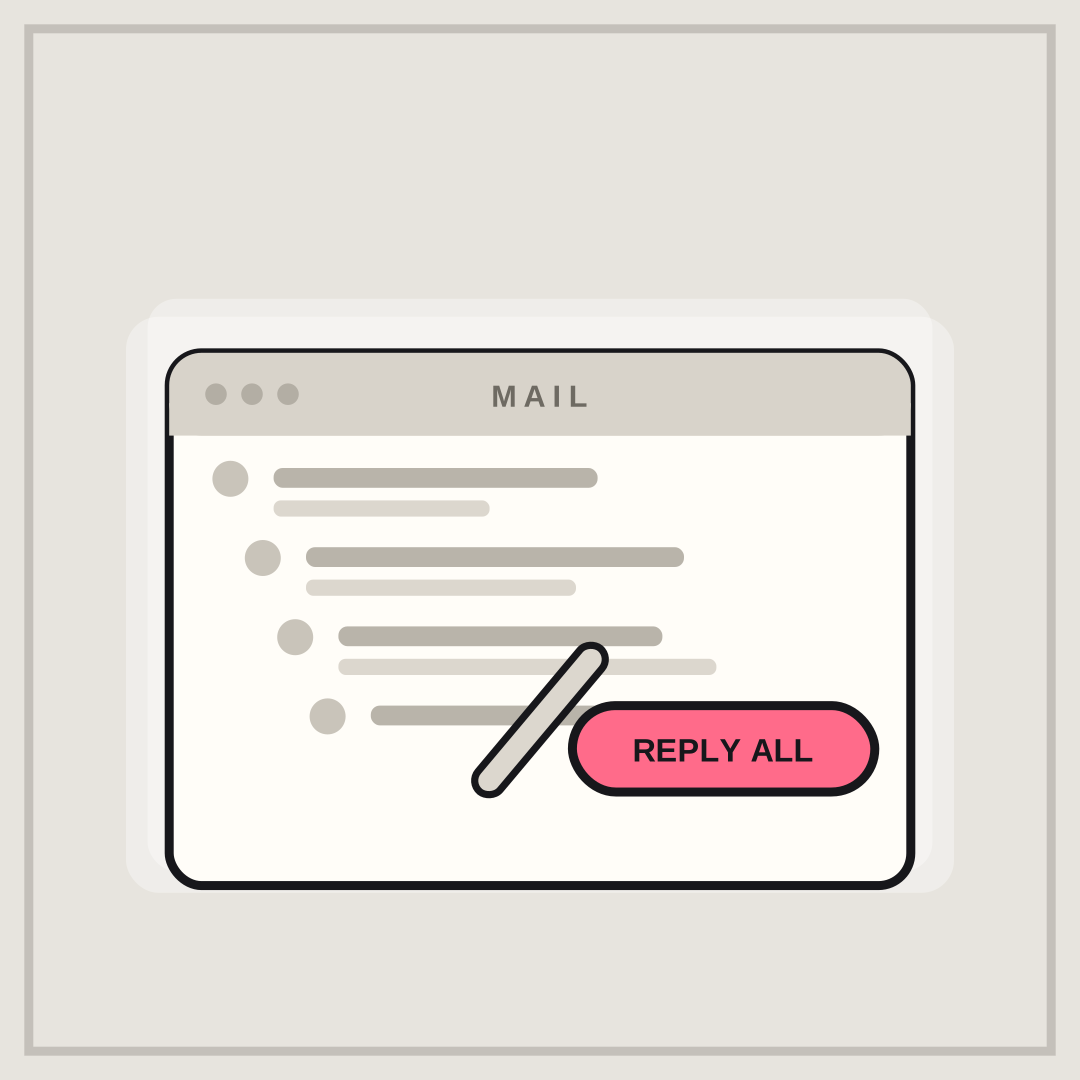
SOMEONE REPLIED ALL over TO 400 PEOPLE ABOUT LUNCH is pure workplace dread. The pile of collapsed replies shows the damage before the caption lands.
Opens in the editor with both captions filled in. Free exports a 1080 px PNG and a GIF with a small FunnyHub credit; Pro unlocks 2160 px and no credit. Nothing is uploaded.
What this template actually looks like
A light grey field with a cream mail window titled MAIL, six collapsed replies shown as placeholder bars, and a pink Reply All button. The window is drawn from scratch — no brand logo, icon or copied layout.
Office group chats, team channels, and every thread about the kitchen rota.
Swap the audience size for your own: 40, 400, or the whole company. If you want it softer, make the topic something harmless, like cake in the kitchen. The button is baked into the artwork, so describe the action in the caption rather than repeating the label.
How to use it
- Load Reply All and look at the collapsed thread.
- Name the audience size in the bottom line for the biggest laugh.
- Keep the top line to four or five words.
- Export a PNG for the work chat, not the email thread.
Five captions you can copy
SOMEONE REPLIED ALL / TO 400 PEOPLE ABOUT LUNCHPLEASE REMOVE ME / FROM THIS THREADONE QUESTION / SIXTY-THREE REPLIESTHE MEETING WAS AN EMAIL / THE EMAIL IS A MEETING
The template loads with “SOMEONE REPLIED ALL” and “TO 400 PEOPLE ABOUT LUNCH” already placed. Both lines stay inside the safe area, and you can drag either one on the canvas. Need more lines? Browse the caption library.
Sizes and where to post it
Native 1080 × 1080 px; the window is wide, so it crops cleanly to 4:5 and survives a 1200 × 675 preview.
Every export happens on your device: the editor draws the frame on a canvas, and neither the artwork nor your captions are uploaded. Free exports a 1080 × 1080 PNG and a 720 px GIF with a small corner credit; Pro exports 2160 × 2160 PNGs and GIFs without the credit.
Full per-platform numbers are in the meme size cheat sheet, and the GIF walkthrough covers motion, looping and file size.