 MY SOCIAL BATTERY
100% TO 2% INSTANTLY
Daily life · Template
Battery Saver Mode
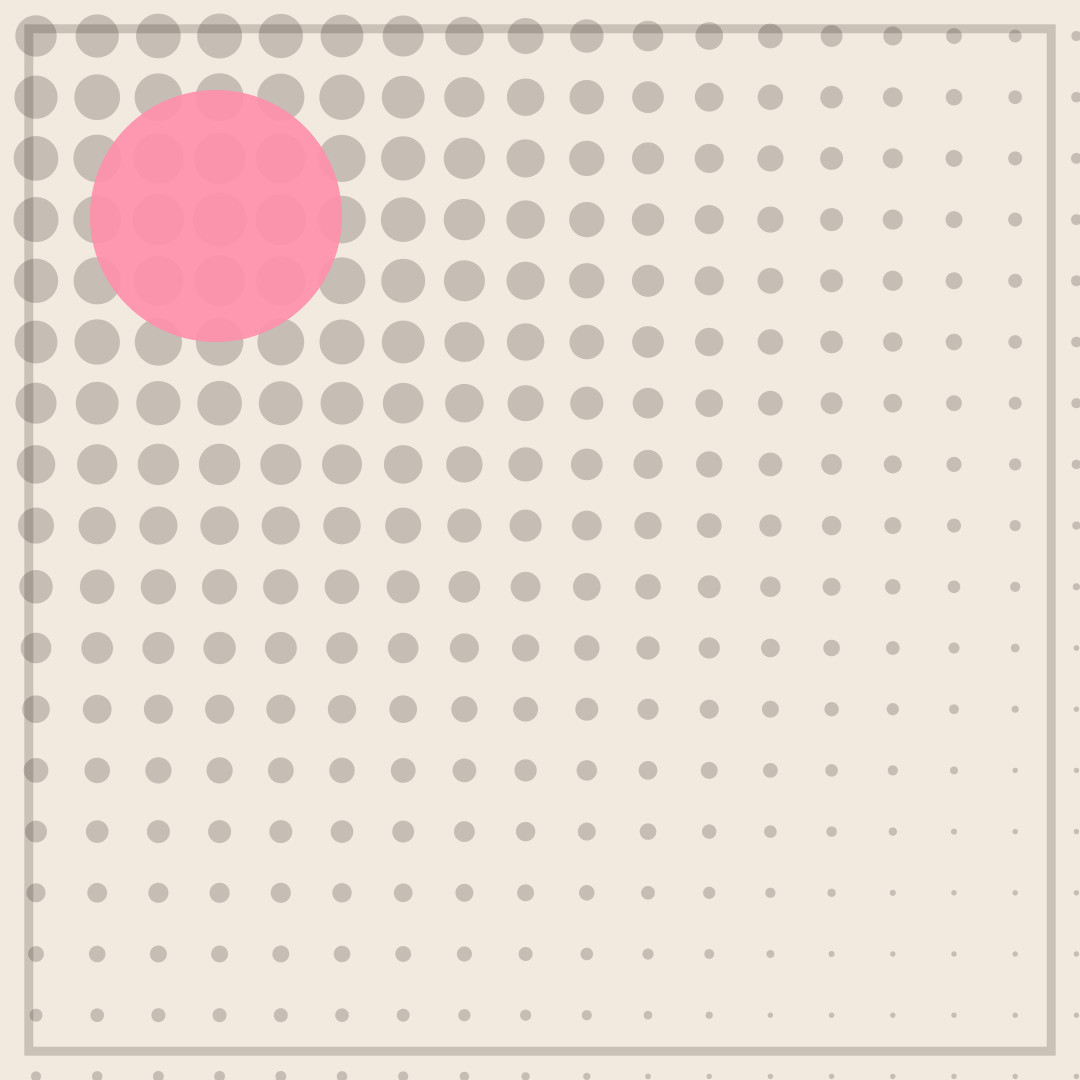
5% BATTERY over STILL SHOWING UP is the specific kind of tired that still keeps plans. The fade in the dot grid mirrors the drop in energy, so the artwork quietly agrees with the caption. Swapping 5% for 1% or 12% changes the joke without touching the layout.
Opens in the editor with both captions filled in. Free exports a 1080 px PNG and a GIF with a small FunnyHub credit; Pro unlocks 2160 px and no credit. Nothing is uploaded.
What this template actually looks like
An oatmeal field (#F2E9DF) carries a halftone grid in near-black that starts heavy at the top-left and tapers to tiny dots at the bottom-right, with a rose-pink disc near the upper left and a thin inset border. Nothing is drawn beyond that. The fading dots read like a charge indicator running down, which is why the poster suits a joke about leaving a party early.
Use it to leave a group chat early, decline a third event in one day, or explain why you are quiet at a party. It fits introvert humour and also works for actual phones that are about to die. Keep it light; it is not a comment on anyone else’s energy.
Name the event that drained the battery — a birthday, a networking call, a family lunch — and the bottom line becomes funnier than a percentage. Keep the digits in the top line. If you want to be kind, use “RECHARGING” instead of “DO NOT TALK” as the second line.
How to use it
- Load Battery Saver Mode in the editor.
- Set the first line to describe your energy before the invitation.
- Make the second line the sudden drop, not a percentage chart.
- Export a PNG for the group chat and stay home.
Five captions you can copy
5% BATTERY / STILL SHOWING UPSOCIAL ENERGY / LOW POWER MODEONE MORE HOUR / AT 2 PERCENTI CAME / I AM ALSO LEAVINGCHARGING / PLEASE DO NOT TALK
The template loads with “MY SOCIAL BATTERY” and “100% TO 2% INSTANTLY” already placed. Both lines stay inside the safe area, and you can drag either one on the canvas. Need more lines? Browse the caption library.
Sizes and where to post it
1080 × 1080 px is native and right for Instagram and messaging. X at 1200 × 675 keeps the gradient of dots visible, so place the captions in the middle. A 1080 × 1350 portrait version exaggerates the fade down the page.
Every export happens on your device: the editor draws the frame on a canvas, and neither the artwork nor your captions are uploaded. Free exports a 1080 × 1080 PNG and a 720 px GIF with a small corner credit; Pro exports 2160 × 2160 PNGs and GIFs without the credit.
Full per-platform numbers are in the meme size cheat sheet, and the GIF walkthrough covers motion, looping and file size.