 WROTE A NOTE
FORGOT I WROTE A NOTE
Big brain · Template
Note To Self
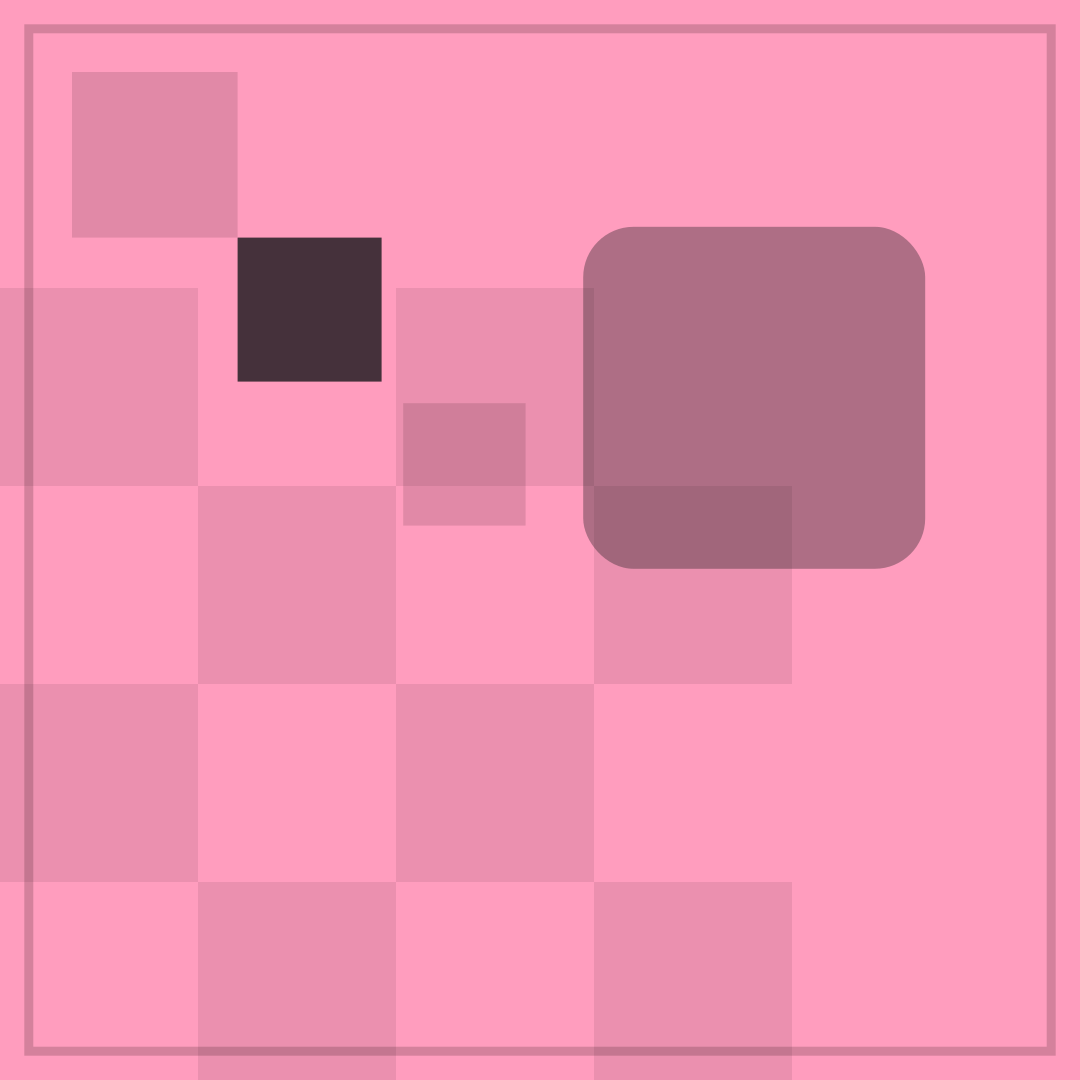
REMEMBER TO over DEFINITELY FORGOT is the shortest possible reminder and its result. The checkerboard gives the poster the texture of sticky notes, and the dark panel reads as the one that fell behind the desk. The joke needs the word “definitely” to sound like a promise.
Opens in the editor with both captions filled in. Free exports a 1080 px PNG and a GIF with a small FunnyHub credit; Pro unlocks 2160 px and no credit. Nothing is uploaded.
What this template actually looks like
A pink field (#FF9DBE) is built from staggered checkerboard squares, with small squares running diagonally at the top-left, one solid near-black tile and a large translucent black rounded panel in the upper right. The contrast is low and sly: the dark panel looks like a note stuck on a wall that everyone has stopped reading.
Post it after forgetting something obvious, or in a group chat about shared tasks. It fits self-deprecating humour and works for to-do lists, bills and birthdays. It is also a good reply when someone asks if you remembered.
Name the note, the app, or the exact words you wrote and then ignored. The second line should be the discovery, not the excuse. If you want a version that is not self-deprecating, use “NOTE TO SELF / READ THIS ONE” and make it a genuine reminder. It also works as a screenshot of your own reminder app.
How to use it
- Select Note To Self in the editor.
- Describe the note in the top line, including how confident you were.
- Make the second line the discovery, days later.
- Export a PNG next to the note you still have not read.
Five captions you can copy
REMEMBER TO / DEFINITELY FORGOTI WROTE IT DOWN / I DID NOT READ ITNOTE TO SELF / READ THE NOTETHE LIST EXISTS / I DO NOTIMPORTANT / ALSO INVISIBLE
The template loads with “WROTE A NOTE” and “FORGOT I WROTE A NOTE” already placed. Both lines stay inside the safe area, and you can drag either one on the canvas. Need more lines? Browse the caption library.
Sizes and where to post it
1080 × 1080 px is right for Instagram and chat. X at 1200 × 675 keeps the checker grid readable; centre the captions. A 1080 × 1350 portrait crop turns the dark panel into a taller note.
Every export happens on your device: the editor draws the frame on a canvas, and neither the artwork nor your captions are uploaded. Free exports a 1080 × 1080 PNG and a 720 px GIF with a small corner credit; Pro exports 2160 × 2160 PNGs and GIFs without the credit.
Full per-platform numbers are in the meme size cheat sheet, and the GIF walkthrough covers motion, looping and file size.