 NEW YEAR, NEW ME
SAME FORTY TABS
New Year · Template
Same Forty Tabs
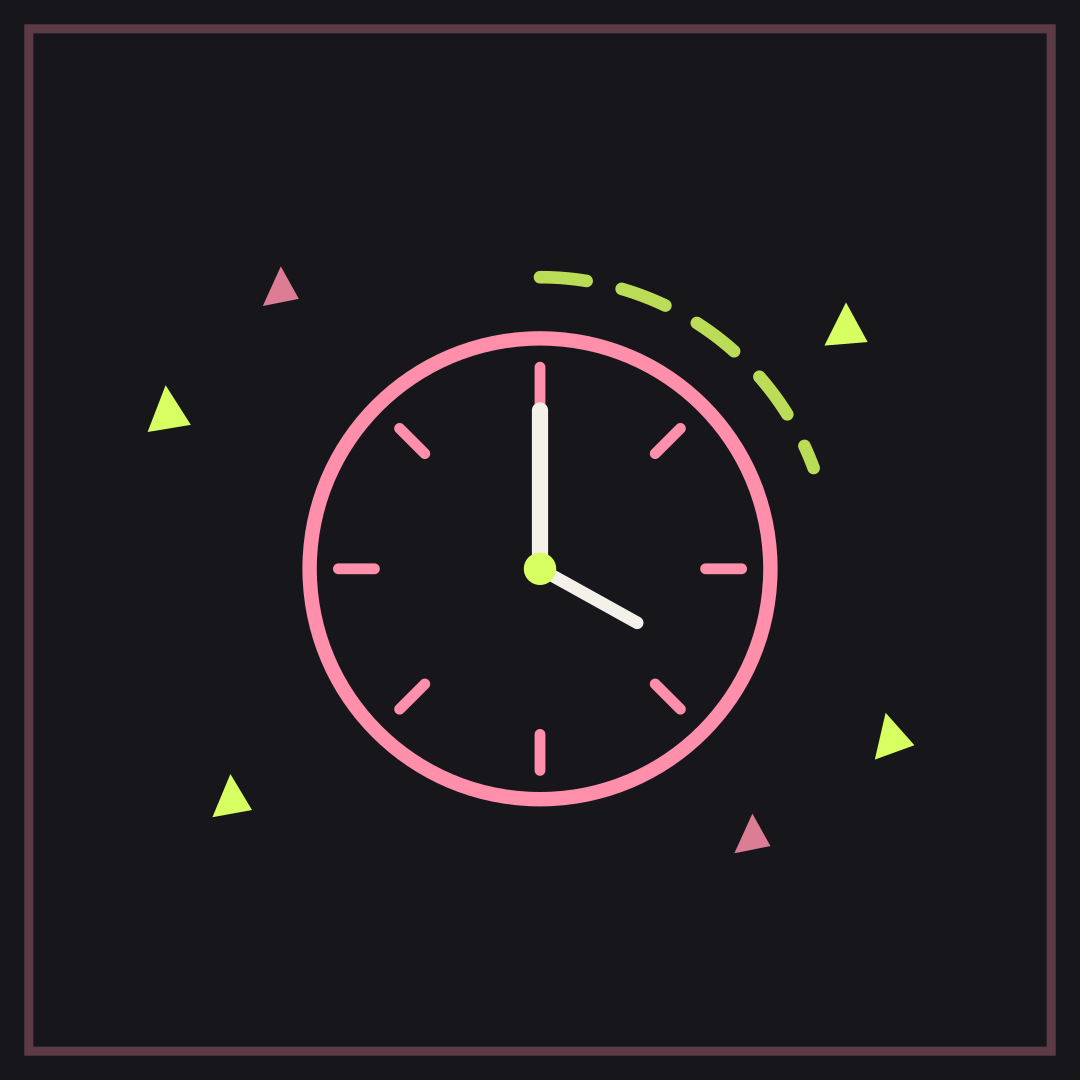
NEW YEAR, NEW ME over SAME FORTY TABS sets the resolution against the browser. The clock reads 12:01, which is about as far as most resets get.
Opens in the editor with both captions filled in. Free exports a 1080 px PNG and a GIF with a small FunnyHub credit; Pro unlocks 2160 px and no credit. Nothing is uploaded.
What this template actually looks like
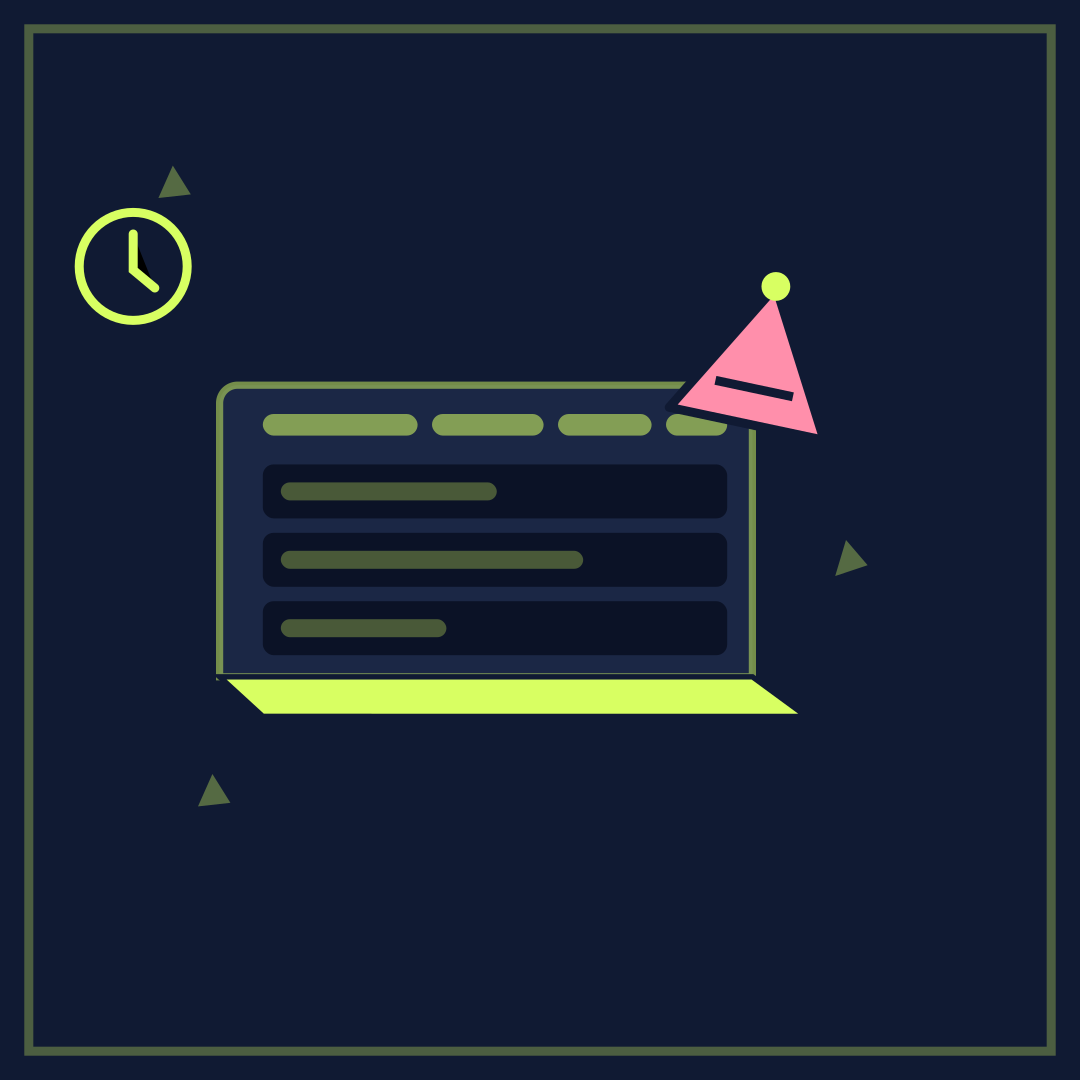
A navy laptop fills the middle with a row of tab strips over three blank rows; a pink party hat leans on the top right and a small clock sits upper left with its hand just past twelve. Lime accents keep the screen readable at thumbnail size.
New Year posts, January goal threads, and anyone reopening last year’s work on the first morning back.
Name the number of tabs, the number of days, or the resolution nobody kept. Shorter is better; the laptop already says "office".
How to use it
- Open Same Forty Tabs.
- Write the resolution in the top line.
- Write what actually stayed open in the bottom line.
- Export a PNG for the first morning of January.
Five captions you can copy
NEW YEAR, NEW ME / SAME FORTY TABSTHIS YEAR I REST / AFTER THIS TABRESOLUTION: FOCUS / OPENED SIX MOREJANUARY FIRST / NOTHING CLOSEDFRESH START / SAME TABS
The template loads with “NEW YEAR, NEW ME” and “SAME FORTY TABS” already placed. Both lines stay inside the safe area, and you can drag either one on the canvas. Need more lines? Browse the caption library.
Sizes and where to post it
Native 1080 × 1080 px. X at 1200 × 675 keeps the screen and hat; the clock may clip, which does not hurt the joke.
Every export happens on your device: the editor draws the frame on a canvas, and neither the artwork nor your captions are uploaded. Free exports a 1080 × 1080 PNG and a 720 px GIF with a small corner credit; Pro exports 2160 × 2160 PNGs and GIFs without the credit.
Full per-platform numbers are in the meme size cheat sheet, and the GIF walkthrough covers motion, looping and file size.