 EVERYTHING IS FINE
THE FIRE IS FINE TOO
Chaos · Template
Everything Is Fine
EVERYTHING IS FINE over NOTHING IS FINE is a two-line status report that most people have given in a meeting. The dots fade like a signal losing strength, and the crimson disc reads as the one thing that is definitely not fine. It works without irony too, if you need a calm-looking image.
Opens in the editor with both captions filled in. Free exports a 1080 px PNG and a GIF with a small FunnyHub credit; Pro unlocks 2160 px and no credit. Nothing is uploaded.
What this template actually looks like
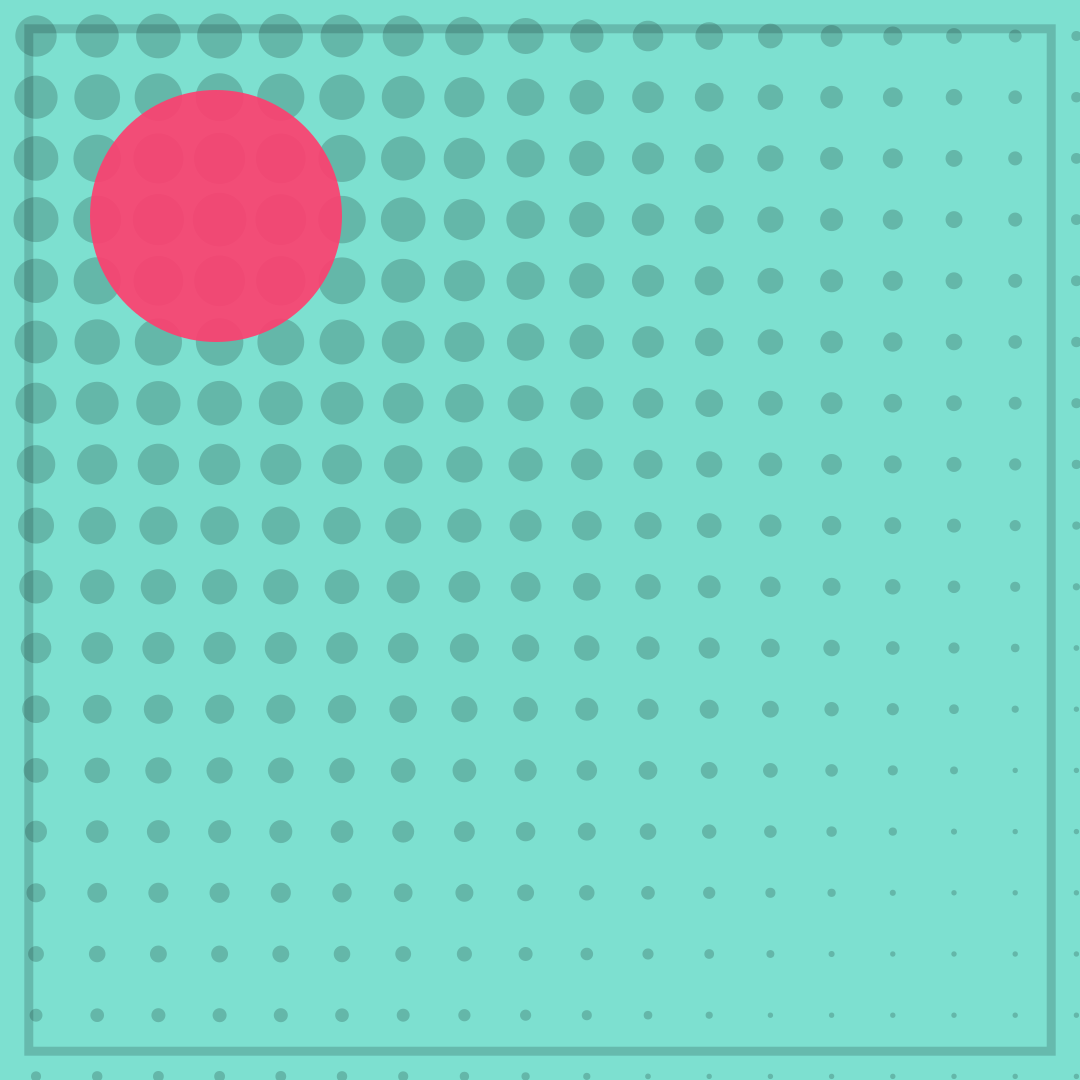
A turquoise field (#7DE0D0) is covered by a halftone grid of teal-black dots, heaviest at the top-left and thinning to pinpricks at the bottom-right, with a crimson disc near the upper left and a thin border. The surface is calm and the crimson accent is not, which is the entire joke: a tidy exterior with an alarm going off somewhere behind it.
Use it during a difficult week, in a friends’ chat, or as a dry reply to “how is it going?”. It fits work humour and student humour, and it is broad enough for public posting. Keep an eye on tone if someone in the thread is actually struggling.
Name the thing that is technically fine — the build, the deadline, the fridge — and the meme becomes specific without becoming grim. The crimson accent already supplies the alarm, so the caption can stay calm. Avoid using it in a thread where something is genuinely broken.
How to use it
- Load Everything Is Fine with the default pair of captions.
- Name the thing that is definitely fine in the first line.
- Use the second line for the detail nobody should look at.
- Add the zoom motion and export a GIF for maximum calm.
Five captions you can copy
EVERYTHING IS FINE / NOTHING IS FINEI AM CALM / THE ALARM IS INTERNALALL GOOD / ALLEGEDLYSMILING / INTERNALLY SCREAMINGNO NOTES / MANY NOTES
The template loads with “EVERYTHING IS FINE” and “THE FIRE IS FINE TOO” already placed. Both lines stay inside the safe area, and you can drag either one on the canvas. Need more lines? Browse the caption library.
Sizes and where to post it
1080 × 1080 px is native for Instagram and chat. X at 1200 × 675 keeps the dot gradient; centre the captions. A 1080 × 1350 portrait export makes the fade feel longer and more ominous.
Every export happens on your device: the editor draws the frame on a canvas, and neither the artwork nor your captions are uploaded. Free exports a 1080 × 1080 PNG and a 720 px GIF with a small corner credit; Pro exports 2160 × 2160 PNGs and GIFs without the credit.
Full per-platform numbers are in the meme size cheat sheet, and the GIF walkthrough covers motion, looping and file size.