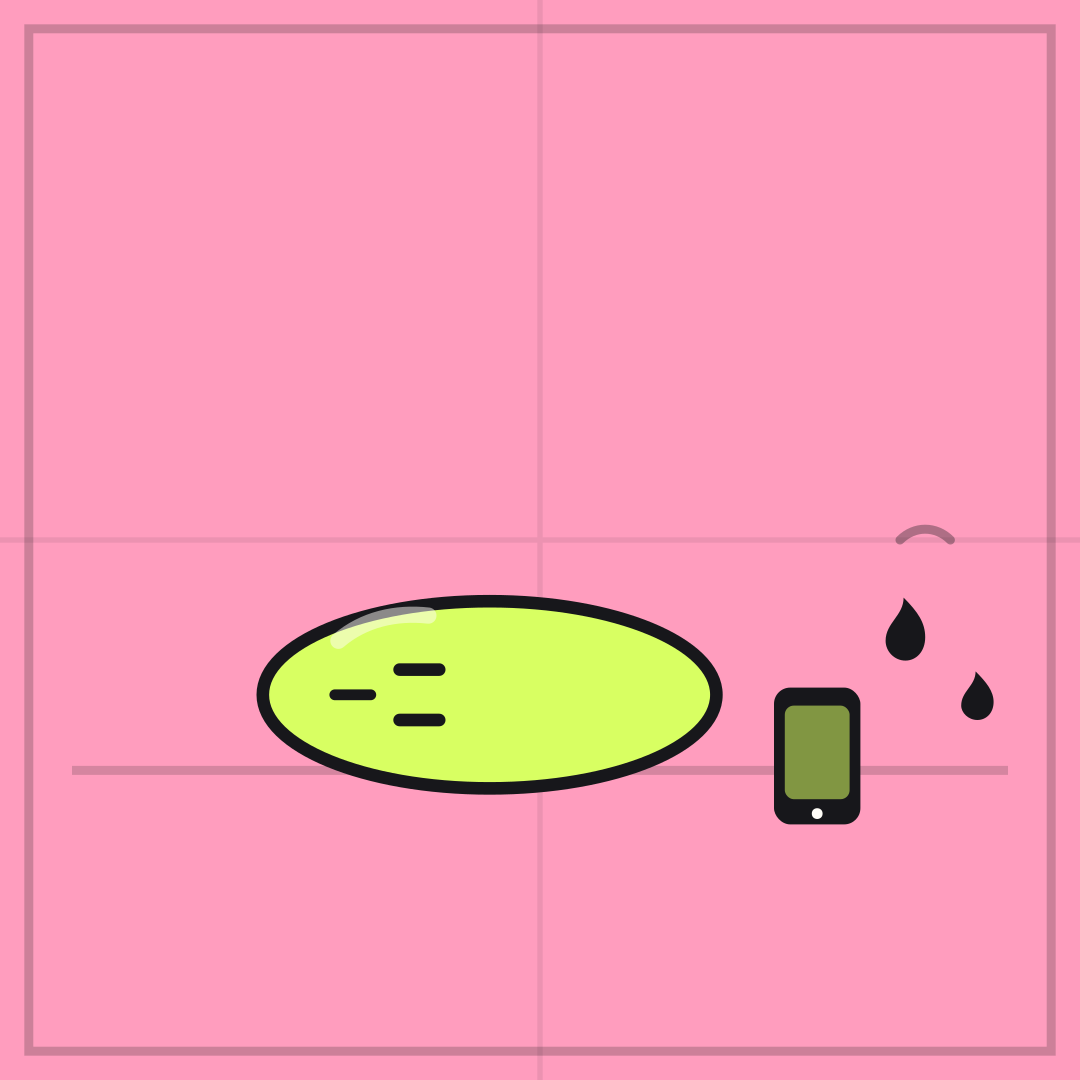
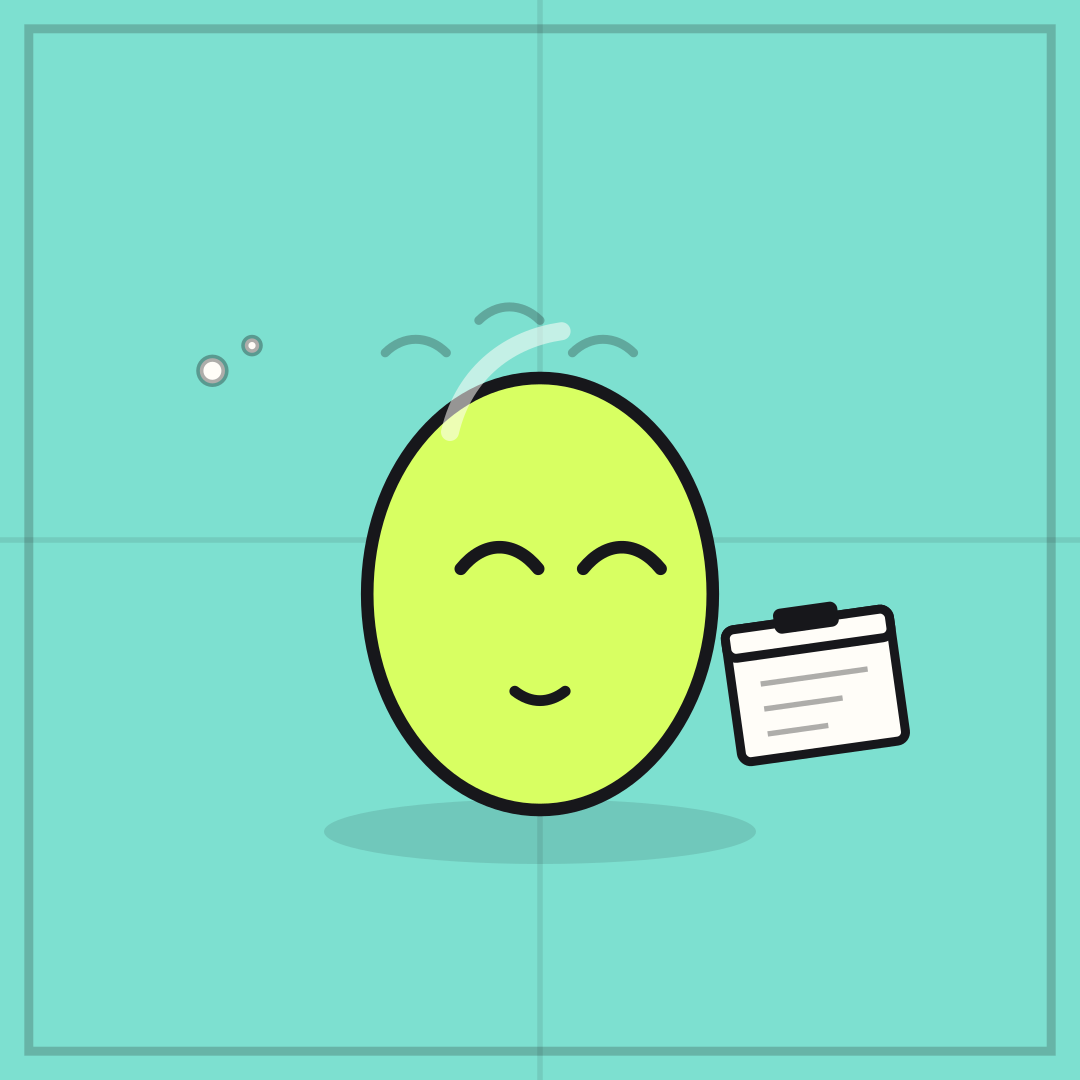
 NO IDEA WHAT I'M DOING
DOING IT LOUDLY
Reactions · Template
Tiny Lightbulb
NO IDEA WHAT I’M DOING over DOING IT LOUDLY is confidence without content. The bulb is deliberately tiny — that is the joke.
Opens in the editor with both captions filled in. Free exports a 1080 px PNG and a GIF with a small FunnyHub credit; Pro unlocks 2160 px and no credit. Nothing is uploaded.
What this template actually looks like
A lavender field with fine radial lines, the lime Bean smiling under a small white bulb, and a faint glow. Original character, original palette, no third-party artwork.
Work chats, launches, and every task you accepted without reading the brief.
This one is a confession, not a brag. Name the thing you are faking in the top line and how loudly you are faking it in the bottom. The bulb is small on purpose, so avoid any caption that promises expertise — the artwork has already voted.
How to use it
- Open Tiny Lightbulb from the gallery.
- Write the thing you are pretending to understand.
- Write how confidently you are pretending in the bottom line.
- Export a PNG for the room where the question was asked.
Five captions you can copy
NO IDEA WHAT I’M DOING / DOING IT LOUDLYSMALL IDEA / HUGE CONFIDENCEFIGURED IT OUT / NOT YETTRUST ME / PLEASE
The template loads with “NO IDEA WHAT I'M DOING” and “DOING IT LOUDLY” already placed. Both lines stay inside the safe area, and you can drag either one on the canvas. Need more lines? Browse the caption library.
Sizes and where to post it
Native 1080 × 1080 px; the bulb sits above the caption line so both stay readable at thumbnail size.
Every export happens on your device: the editor draws the frame on a canvas, and neither the artwork nor your captions are uploaded. Free exports a 1080 × 1080 PNG and a 720 px GIF with a small corner credit; Pro exports 2160 × 2160 PNGs and GIFs without the credit.
Full per-platform numbers are in the meme size cheat sheet, and the GIF walkthrough covers motion, looping and file size.