 PRESSED SURPRISE ME
NOW I OWN A NEW LIFE
Chaos · Template
Surprise Me
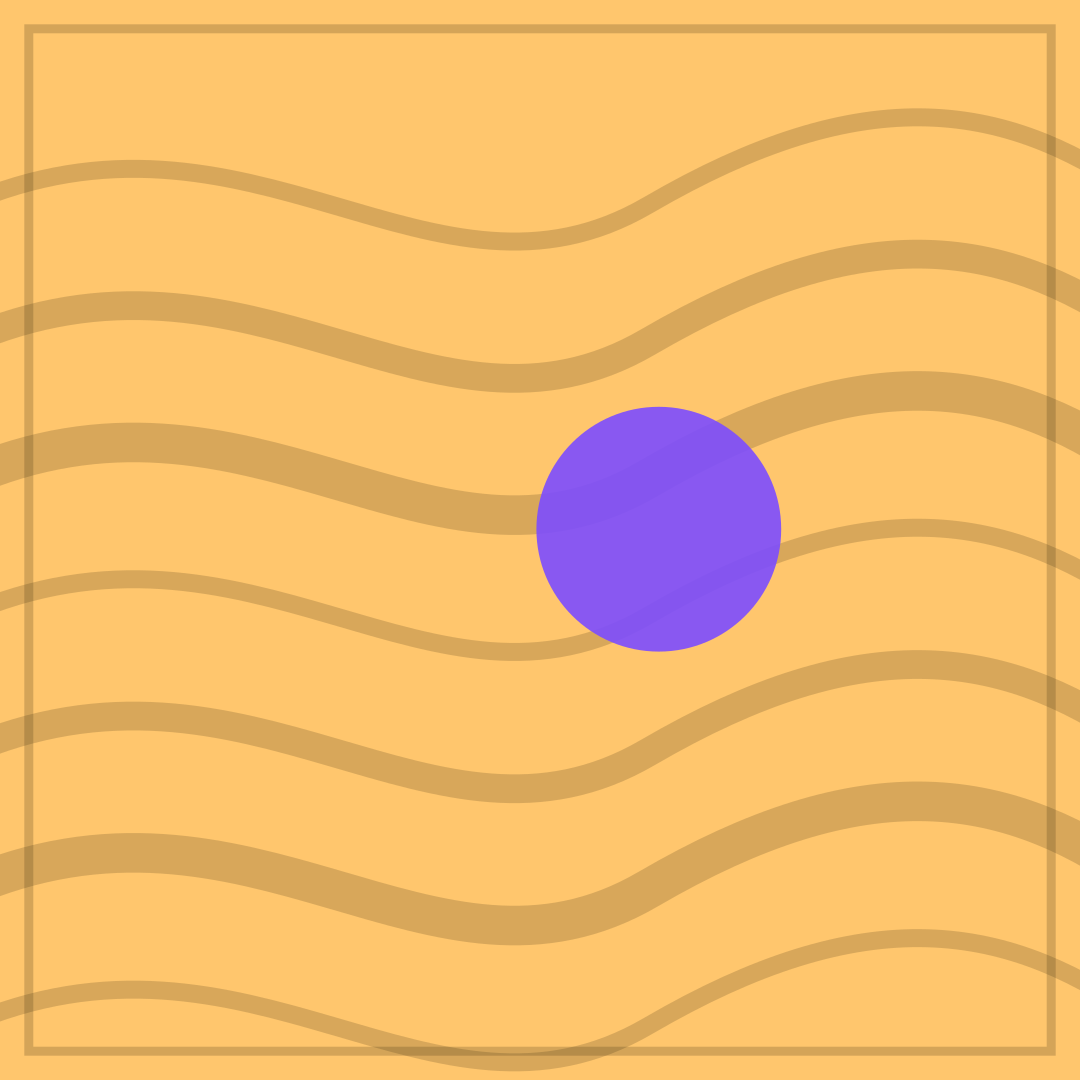
PICKED A TEMPLATE AT RANDOM over THIS IS THE ONE uses the template’s own name as the setup. The waves suggest movement without direction, and the purple disc is the one decision that was made. It is also a good default when someone asks you to choose and you have no preference.
Opens in the editor with both captions filled in. Free exports a 1080 px PNG and a GIF with a small FunnyHub credit; Pro unlocks 2160 px and no credit. Nothing is uploaded.
What this template actually looks like
An amber field (#FFC66D) is crossed by seven wavy horizontal bands in dark brown, with a purple disc to the right of centre and a thin border. The pattern is loose and warm, like a shrug in poster form. Nothing specific is depicted, which makes it the most reusable template in the set: the caption decides what kind of surprise it is.
Use it when a decision is genuinely arbitrary: a restaurant, a film, a meeting time. It fits group chats and works as a reply to “you pick”. Because the artwork is abstract, it can carry almost any short caption without clashing.
Because the artwork is abstract, this template takes almost any short caption: a decision, a recommendation, a refusal. Keep both lines under six words and let the amber waves do the rest. If you cannot decide, use it as the reply when someone asks you to choose.
How to use it
- Open Surprise Me and edit both default captions.
- Describe the random action in the first line.
- Make the second line the disproportionate consequence.
- Export a PNG, or use Shuffle in the editor for a different template.
Five captions you can copy
PICKED A TEMPLATE AT RANDOM / THIS IS THE ONEYOU DECIDE / I ALREADY DIDNO PREFERENCE / STRONG OPINIONSSURPRISE ME / NOT LIKE THATRANDOM CHOICE / FULL CONFIDENCE
The template loads with “PRESSED SURPRISE ME” and “NOW I OWN A NEW LIFE” already placed. Both lines stay inside the safe area, and you can drag either one on the canvas. Need more lines? Browse the caption library.
Sizes and where to post it
Native 1080 × 1080 px for Instagram and messaging. X at 1200 × 675 keeps several waves; centre the captions. GIF export at 720 px gives the bands a slow wave that works as a looping reaction image.
Every export happens on your device: the editor draws the frame on a canvas, and neither the artwork nor your captions are uploaded. Free exports a 1080 × 1080 PNG and a 720 px GIF with a small corner credit; Pro exports 2160 × 2160 PNGs and GIFs without the credit.
Full per-platform numbers are in the meme size cheat sheet, and the GIF walkthrough covers motion, looping and file size.